Search the Community
Showing results for tags 'Sculpt'.
-
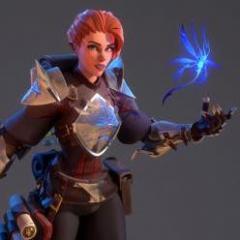
My first proper sculpt. I've had a few goes at other things to try out the various parts of the program, but I wanted to make something I know would be hard to Retopo and export as a model - and here she is Still working on the retopo (one segment at a time) but I think she'll look good when she's painted up. She's based on the Motherland Calls statue in Russia, using a Muvizu character for her pose (imported as an OBJ, voxelized and reworked). I really wanted to know just how thin I could make the Cloth tool and still retopo it, and it turns out you can go pretty skinny... Anyway, all feedback welcome. And thanks for being great, 3D Coat!
- 6 replies
-
- 4
-

-
- 3dcoat
- motherland
- (and 2 more)
-
Am curious to get some feed back on how to begin sculpting this type of rock wall. This scene is from the Warcraft movie. Ive tried a number of different ways to sculpt these and I just cant seem to come close to it. Ive tried starting with single primitives, trying to get the column shapes, or starting with a cube primitive trying to sculp each individual vertical rock (column) from a single cube. I m sending a pic of a single rock obj that I sculpted, but how to put them together? Even tried alphas. Didnt come out like I wanted it to. does it look to be a pretty good start?
-
W.I.P. for a personal project.
-
W.I.P. for a personal project
-
OK, I've decided to make some verbose testing to diagnose the spacing issues that I've met so far. Anyways, I welcome everybody to my journey for perfection. So far I've made the following tests with different Spacing and drawing types configurations. Stay tuned! Hope that the devs will see this thread, as I think the whole story is very important.
-
I would like to run a bumped profile over the tube in the direction of smaller green lines on the picture. More specifically I want 3 lines to run over the exterior part of the tube. How can I achieve that? I tried the Pose tool but it showed itself really buggy to use.
-
I watched the following videos which were recommended for a problem of mine: My problem is that after following the workflow from the video, my model in Retopo room is modified correctly concerning the mesh but the cutaway and modified pieces are still there. In the tutorial the head was immediately gone changing from Sculpt to Retopo room. It is kind of irritating if you want to introduce strokes like in the video.
-
I apologize at the beginning because the question maybe too silly... After importing scans of persons into Retopo Room to create some cutting patterns I have sometimes bad scan areas, for example a fillet in the crotch (where I didnt collect data with the scanner). If I want to remove/smooth that fillet in Retopo whats the best way to do it? If I manipulate in Paint Room, the mesh stays the same, only the underlying body is modified... but I only need the mesh for my purpose.
-
I am sculpting a very large model, so I have split it up into segments/separate objects. Does anyone know of a method/software to seamlessly sculpt accross multiple meshes?
-
-
So I retop'd a mesh and I want to be able to bring it back into sculpting so I can refine it a bit more, how is this possible! Please and thank you!!! I've been struggling to do this!
-
Всем привет, хочу сделать полноценного персонажа в 3дкоате. конечно не обошлось без одежды в марвелусе. Сейчас я сосредоточился на качественной голове, можно сказать это моя первая голова и я хочу довести её, а потом и всё остальное до хорошего вида. Буду очень рад увидеть ваше мнение по пропорциям головы, по деталям и по составу вещей у персонажа. вот последняя версия головы, хочется решить всё с пропорциями и сделать красиво всякие поры кожи, складки морщины и.т.д: а вот тело (картинка ещё со старой бошкой) Вообще делаю по скетчу одного художника, но не особо пока стремлюсь соответствовать. предполагаю даже некоторую историю, должно быть с ней лучше: Это типа 17-19 века, вымышленные времена, Северная Европа. Времена когда вроде и с мечами все ходят а вроде и пистоли есть и даже электричество. В общем это последние олд скул воины гвардейцы. Спасибо. Гера.
-
Hey guys, I'm super frustrated. I have an .obj with UVs from a 3D scanner I want to clean up and I have taken SO MANY tutorials and every time I think I have found a solution it turns out it can't work in the new 4.5 version as the UI has changed. I did all I can to be a self learner but I'm stuck. Here's my questions... 1. I want to import it into the Voxel room and clean it up with the color already baked in. If I need to carve out an ear... I need to see the UV to know where to cut. What is my order of operations? 2. I've unwrapped the UV in Capturing Reality and it's messy. If I am painting directly on the model does it even matter? And it seems to be importing has voxel model and surface model directly on top of each other and as two parents in the Paint Room. Why is this? 3. When I go to export the final mesh for 3D printing IN SANDSTONE, is it better to export for print or just export the new .obj with baked color? Thanks so much! Bethany
-
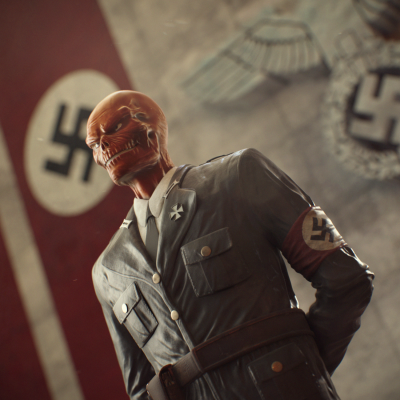
From the album: FanArt
After reading Red Skull: Incarnate I decided to create a illustration. 3D Coat + Modo. Hope you liked it! -
Is there a construction plane like this? It seems like I saw something like this in 3d-coat.. I like the way this has direct manipulation handles and its "live"..
-
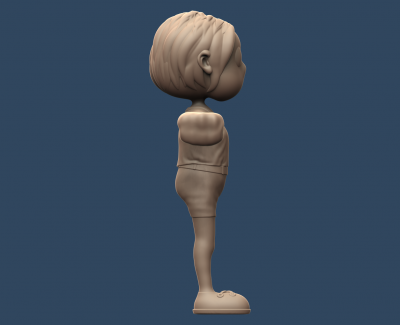
From the album: Character Sketches
-
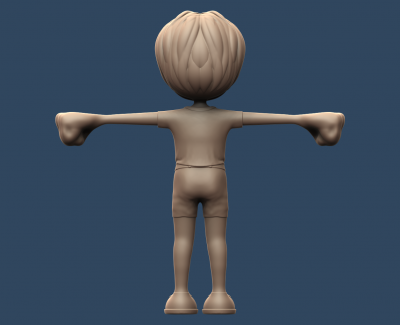
From the album: Character Sketches
-
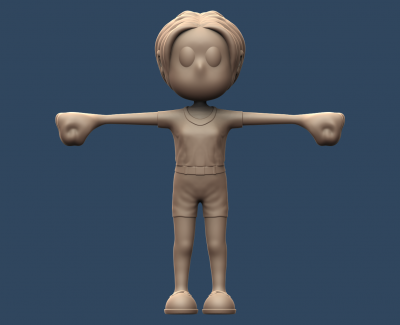
From the album: Character Sketches
-
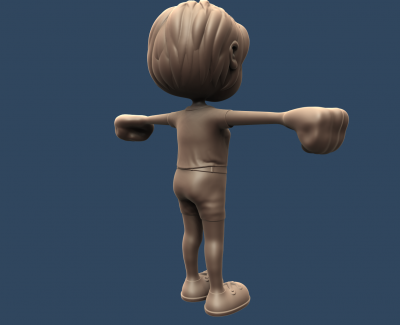
From the album: Character Sketches
-
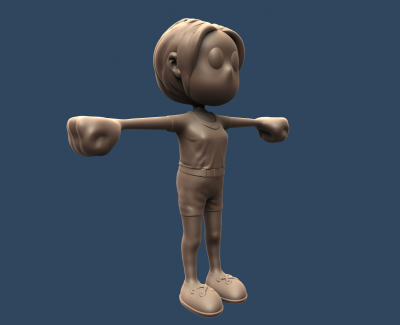
From the album: Character Sketches
-
Does anyone know about an efficient way of placing copies (or ideally - instances) of an object on a surface of another object, with respect to normals of that surface? I know I can do this outside of 3D-Coat, but I'd like do it without leaving Sculpt Room.
-
From the album: FanArts
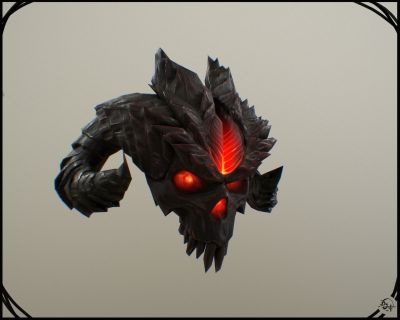
I just wanted to do something arround me, I found the “USB skull” of the lord of terror was a good idea to start from =) Made under ZBrush & 3D-Coat ( of course ^^ ) I hope you’ll like it ! -
I'm sure this is a total newb question, and I apologize if the answer is really obvious. I've been watching a few tutorials on UV unwrapping as I try out 3D Coat, and all of them show the workflow for unwrapping as: 1. Import/sculpt the model. 2. Click the UV tab & start the UV unwrapping process. However, this doesn't work for me as I am never able to get to the second step. In multiple different files, when I click the UV tab nothing is there. I've look through all the menus I could find, tried converting from V TO S, and looked through Google for this answer and found nothing. Anyone know what's going on here? All help would be appreciated. Thanks much! Aaron
-
Hello 3D coat dev team! I'd like to suggest a feature that would be vital to the 3D workflow. It would be invaluable if we could have preserved subdivision levels for surface objects like in Zbrush and Mudbox. The principal is that a surface object could be subdivided and manipulated at any level or resolution and whatever sculpted details or geometry shifting is made would be applied to every subdivision level including the lowest one. As it stands now, we are able to subdivide a surface object, but not return to the original version of the object. Once you subdivide in 3D coat, there's no going back to what you had. It would be useful to be able to manipulate a low-poly and high-poly version of the same object on the fly. Obviously this could not apply to a Voxel object, but it would be highly useful to be able to do this to surface objects. I've posted a potential example of how it could be integrated into the UI and a basic illustration of the concept below. Thank you for your consideration -Fletcher.
-
Hello 3D Coat Dev Team! I'd like to request a somewhat simple feature to add to the Curves tool in the Sculpt Room. As it stands now when using the curves tool it's typically easier to import the spline as a single voxel object. You can import as a surface, but it usually takes a lot of computing power, it welds all tangent points where the geometry crashes together, and it brings the whole thing in as a single object. I propose you offer a feature that allows you to import each individual piece of geometry (such as a link in a chain) as a separate instance (much the way you are able to when importing a regular object into the scene) This would be invaluable because many times I have a belt, or strap model that I have important that is comprised of many different pieces that I want to stay separate, but I want them all to universally conform to a spline curve as a single object. Thank you for your consideration. -Fletcher