

- Home
- Releases
Releases
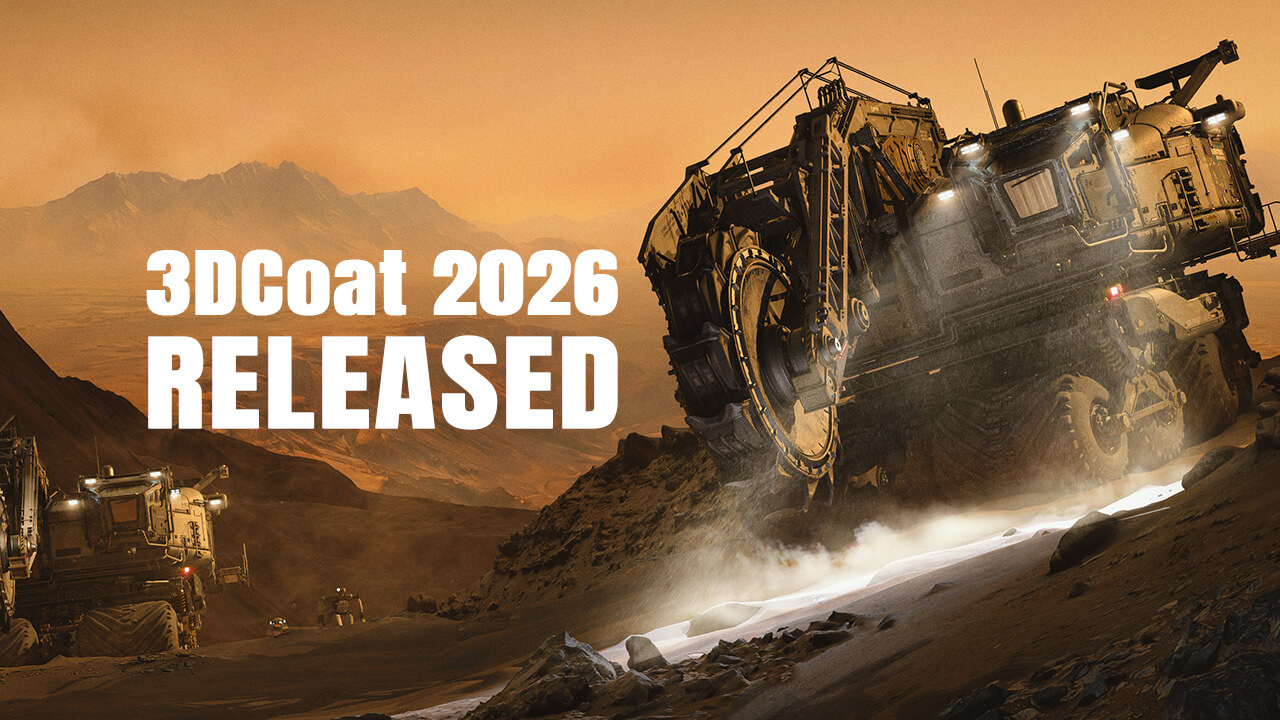
3DCoat 2026.11
- Non-destructive GPU node-based texturing – create editable materials, masks, filters, modifiers, and procedural effects using the new visual Node Editor;
- High-performance GPU nodes – procedural effects, mathematical operations, and noise generators are calculated directly on the graphics card;
- Texturing while sculpting – preview node-based materials on sculpt objects in real time, even before retopology or UV mapping;
- 3D lattice voxel structures – generate complex internal volumetric structures for 3D printing, engineering, and artistic workflows;
- Node-based procedural sculpting patterns – create complex volumetric and surface shapes and convert them into regular sculpt objects for further editing;
- Near 30 material channels – the updated PBR/PBM system supports advanced material properties, light interaction, and refraction effects;
- Procedural materials and masks library – new and legacy Smart Materials have been converted to the node-based system, with a built-in library of masks included;
- Quick Access toolbar search – text-based tool search has been added to the Sculpt and Modeling workspaces;
- Interactive node transform gizmo – control the position, rotation, and scale of textures, lattices, and volumetric patterns directly in the viewport;
- Splitter tool – split models into separate parts, with each resulting part automatically placed on its own layer;
- Lofted Surface for the On-Plane tool – create lofted surfaces using curves and sculpt directly on them with voxel brushes;
- Hybrid Mesh for On-Plane Brush Control – convert retopology meshes into Hybrid Meshes and use them as surfaces for voxel sculpting;
- Parametric Hybrid Modeling – create complex editable models using curves, control handles, and adjustable parameters;
- Group Tree in the Retopo and Modeling Rooms – organize objects hierarchically and transform, copy, or manage entire object branches;
- Pose tool improvements – new deformation modes and the ability to snap a mesh to an object's surface were added;
- Bevel improvements – a new Profile Shape option has been added to the Bevel tool;
- LWO3 import and GLB export – support for LightWave 3D files and improved Blender integration has been added.
Learn more


3DCoat 2025.15
- Lofted Surface for On-Plane Brush Control - new Lofted Surface parameters got added to the Plane functionality:
- Blender Applink updated to support the following versions of Blender - 4.3, 4.4, 4.5, 5.0 .
- Multiple scripts functionality improvements, including support for Python 3.11.9;
- Split by Curve - a new option to create split surface and perform very complex cuts;
- New plane Pick mechanics introduced: hold RMB to move the plane's central point over the surface, but keep it normal. Press CTRL to move the plane along the normal;
- The ability to execute a python script during import via AppLink enabled. To do this, AppLink simply needs to place import.py in the same folder as import.txt;
- In fullscreen mode there is no tool params panel;
- Retopo/Modeling workspace: the tool "Smart Retopo" has been improved. Snapping to sculpt occurs only for a newly created mesh;
- Retopo/Modeling Room: "Select path" Bug was fixed. Now, clearing occurs when you press Esc;
- Transforms window (palette) keeps object visual size to prevent problems when you res+ or resample object;
- Modeling Room: "Smart Hybrid" - Offset was implemented;
- Modeling workspace: added Select and operate an entire object;
- Modeling Room: added checking before creating LowPoly Mesh, if the current Retopo Group is Invisible
Learn more

Watch video
3DCoat 2025.08
- 18 new UI themes added.
- The new Hotkey Manager introduced.
- Introduced a new Node Room with an updated node system for the Sculpt workspace. You can create and change non-destructive volumetric and surface materials in the Sculpt workspace with help of nodes.
- Photogrammetry via the integration with RealityCapture introduced!
- Surface Array tool added in the Sculpt rool to make array of objects on the created surface or on the selected faces of the low-poly mesh.
- Soft Booleans for voxels introduced. You can make the bevel radius as the brush radius.
- Smart Hybrid functionality in the Modeling workspace introduced. It creates “NURBS-like” smooth patches from the low-polygon mesh and then saves them to high-poly, another low-poly mesh or paint mesh.
- The StemCell 3D modeling specification on Turbosquid can be obtained more easily with the help of the new scripts introduced. The roadmap helps you to prepare your 3D model for Turbosquid Stemcell verification in a semi-automatic mode.
- Normal Map to Mesh: The PPP scene with the normalmap can be converted into a true sculpt geometry using the Painting room.
- Infinite Depth over the Move tool! It works in the perspective mode as well.
- Array tool in the Sculpt workspace: you can make different arrays of volume objects along the curves.
- 3DCoat now supports drawing tablets from major brands.
- Windows->Panels->Transforms introduces scene state presets similar to keyframes in animation. You can keep all detailes of the assembled object on a plate. Useful for 3D printing.
- Volumetric Boolean operations with extra gap. This is extremely important for 3D printing of matching parts of 3D models.
- Search function in Asset panels added.
- FPS Monitor added.
Learn more
Load more

