 한국어
한국어  English
 Українська
 Español
 Deutsch
 Français
 日本語
日本語 Русский
 Polski
 中文 (中国)
 Português
 Italiano
 Suomi
Suomi Svenska
 中文 (台灣)
 Dansk
Dansk Slovenčina
 Türkçe
 Nederlands
 Magyar
 ไทย
ไทย हिन्दी
 Ελληνικά
 Tiếng Việt
 Lietuviškai
 Latviešu valoda
 Eesti
Eesti Čeština
 Română
 Norsk Bokmål
Question:
I have received from a client a very heavy photogrammetry generated OBJ along with 3 separate 8K texture maps, all on separate UV tiles.
I would like to combine all 3 uv tiles on one single tile, and combine all 3 texture maps one one single 8K map.
Answer:
* This steps only works on the new version 2026.4 *
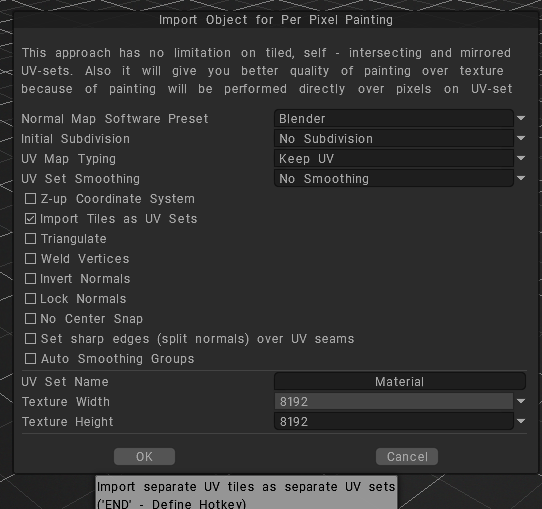
Once you have the mesh (need to be one mesh) w/udims imported on Paint Room as PPP, with ITAUVset turned ON
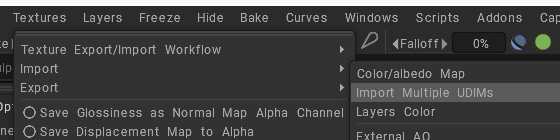
On Textures Menu > Import > Import Multiple Udims > select all the images on the folder
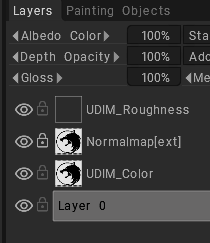
All the images are added to Layer Panel
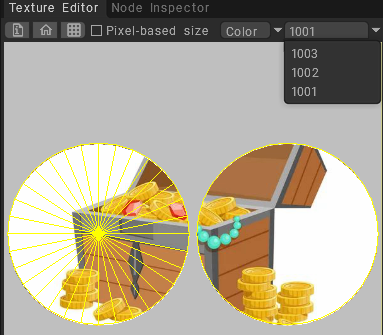
You can modify any uDim texture selecting it on Texture Editor
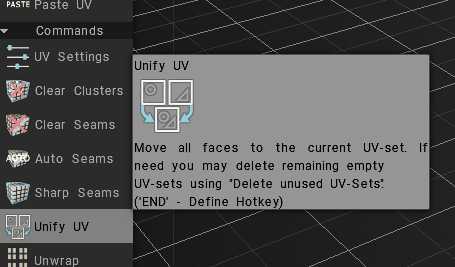
switch to UV room, and use Unify UV
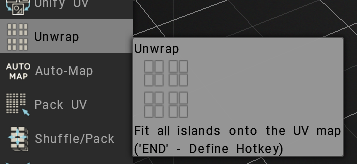
next step UnWrap
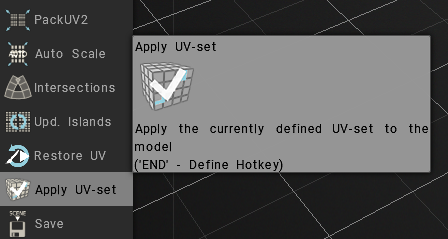
last Apply UV-set
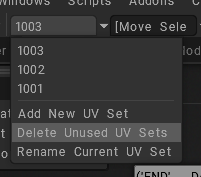
now Delete Unused UV Sets
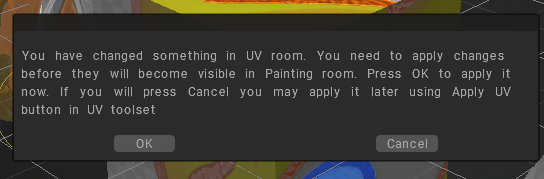
Switch back to Paint Room, press OK
Now you have only one Paint Object, one Surface Material and one UVset applied
Done