Search the Community
Showing results for tags 'sci-fi'.
-
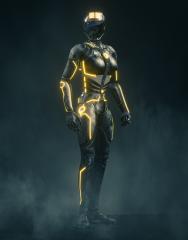
© Realtime GraphX
-
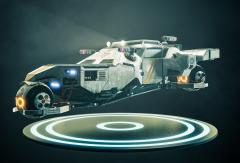
© Realtime GraphX
-
Hello all. 3DCoat for me the best choice. I will share my daily practices & concept art. Angle version: 3DCoat screen: End: Thanks.
-

From the album: Designing Massive Mech in 3DCoat - Tutorial
-
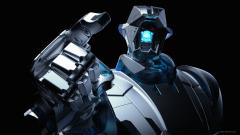
From the album: Designing Massive Mech in 3DCoat - Tutorial
-
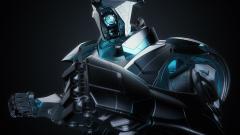
From the album: Designing Massive Mech in 3DCoat - Tutorial
-
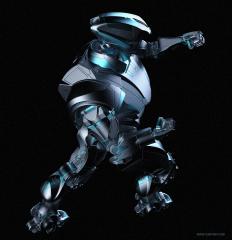
From the album: Designing Massive Mech in 3DCoat - Tutorial
-

From the album: Wojtek Kapusta - finished works
Concept of sci-fi interior, data/research center. It's about technology that helps to break another barriers and gives a hope... This piece will be used as a promo art of incoming coders' event. Done from scratch in 3dcoat, except standard daz3d figures used. Keyshot rendered and Photoshop overpainted.© Wojtek Kapusta
-
 One of my first works using 3D Coat
© Peter Gill
-
 One of my first works using 3D Coat
© Peter Gill
-
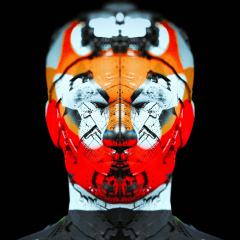 One of my first works using 3D Coat
© Peter Gill
-
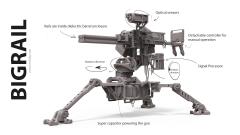
From the album: Bigrail
Railgun turret fully done in 3D coat and rendered in Keyshot. I share my techniques on my channel - https://www.youtube.com/c/AntonTenitsky -
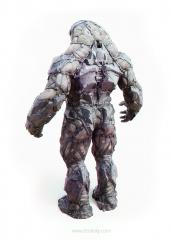
From the album: Vordak Soldier Suit
3D Coat sketch with post processing in Photoshop. You can check out the making of on my channel - https://www.youtube.com/c/AntonTenitsky -
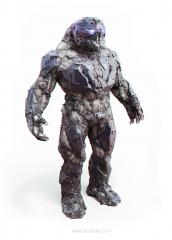
From the album: Vordak Soldier Suit
3D Coat sketch with post processing in Photoshop. You can check out the making of on my channel - https://www.youtube.com/c/AntonTenitsky -
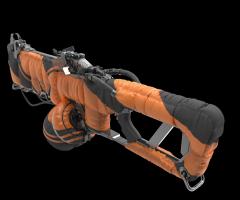
From the album: Nitrogen gun 3d model
-
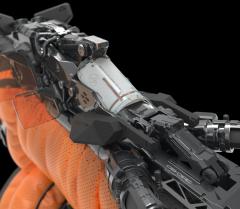
From the album: Nitrogen gun 3d model
-
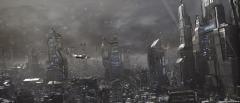
From the album: Sci-Fi
-
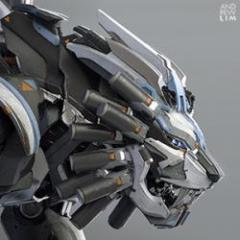
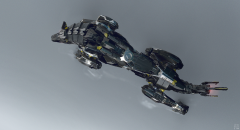 Robotic wolf sideview
-
- 1
-

-
- black wolf
- black
- (and 5 more)
-
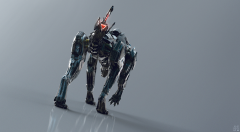 Robotic wolf backview
 -
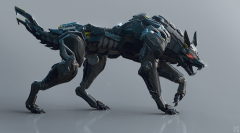 Robotic wolf sideview
 -
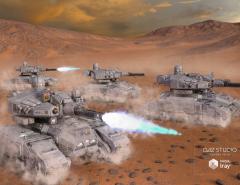
From the album: Petipet
C4D\3DCoat\DAZ -

From the album: Petipet
C4D\3DCoat\DAZ -

From the album: Petipet
C4D/3DCoat\DAZ -
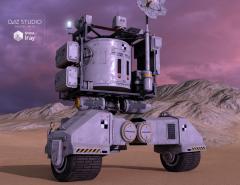
From the album: Petipet
C4D\3DCoat\DAZ