 English
3DCoat 2026 is the newest major version of the software, released in July 2026.
Key Features in 3DCoat 2026
- GPU-Powered Node System: Introduces a non-destructive, node-based workflow for texturing and material creation, replacing traditional layer-based setups with real-time GPU acceleration.
- Procedural Library: Includes new next-generation smart materials, procedural masks, and noise patterns.
- Modeling and Retopology Upgrades: Adds a new line splitter tool, smart hybrid primitives, hollow box primitives for 3D printing, and a revamped Group Tree in the retopology and modeling rooms.
- Format & Integration Support: Expands UDIM support, GLBC export, and restores Lightwave support via the LW35 format.
3DCoat is the application that has all the tools you need to take your 3D idea from a block of digital clay all the way to a production ready, fully textured organic or hard surface model.
As an integrated 3D content creation package, 3DCoat offers a wide range of tools, including Sculpting, Retopology, UV Editing, PBR Texture Painting, Lowpoly modeling and Rendering.
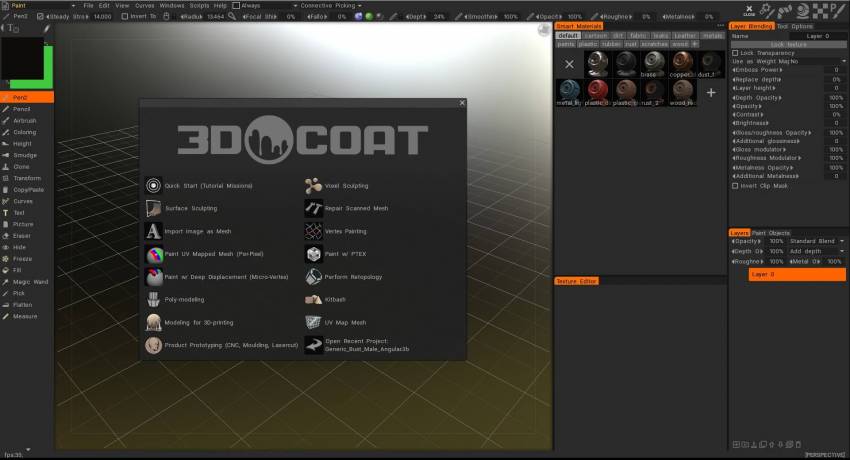
Imported models can be converted into voxel or surface objects for further refinement and for adding high-resolution detail, complete UV unwrapping and mapping, as well as adding PBR textures for displacement, bump maps, and specular and diffuse color maps.
Voxel technology generates an accurate and functional polygonal mesh skin over any voxel sculpture, (composed primarily of quadrangles), which is the standard that is widely used in 3D production studios. Normally, this kind of polygonal topology must be painstakingly produced by hand.
The program can also be used to modify imported 3D models from a number of commercial 3D software products by means of plugins called Applinks: a live connection to a chosen external 3D application can be established through the Applink pipeline, allowing for the transfer of model and texture information.
What is new on version 2026
Here is the full list of the improvements integrated in the update.
GPU node-based texturing – create editable materials, masks, filters, and procedural effects;
High-performance GPU nodes – calculate procedural effects and noise directly on the GPU;
Texturing while sculpting – preview materials on sculpt objects before retopology or UV mapping;
3D lattice voxel structures – create complex internal structures for printing and design;
Procedural sculpting patterns – generate editable volumetric and surface shapes with nodes;
Nearly 30 material channels – support advanced PBR properties, lighting, and refraction;
Procedural materials and masks – use a built-in library of node-based materials and masks;
Quick Access search – quickly find tools in the Sculpt and Modeling workspaces;
Node transform gizmo – adjust texture and pattern position, rotation, and scale in the viewport;
Splitter tool – divide models into separate parts and layers;
Lofted Surface – create curve-based surfaces for voxel sculpting;
Hybrid Mesh – use retopology meshes as surfaces for voxel sculpting;
Parametric Hybrid Modeling – build editable models with curves and adjustable parameters;
Group Tree – organize and manage hierarchical object groups;
Pose tool improvements – use new deformation modes and surface snapping;
Bevel improvements – customize bevels with the new Profile Shape option;
LWO3 import and GLB export – improved LightWave and Blender file support.
Licensing
All licenses for any programs for sale have general rules.
- The serial number is hardware-independent, and you may only run one copy of 3DCoat simultaneously.
- If we detect multiple instances of 3DCoat running simultaneously on several computers, your serial number will be disabled. .
- If you are running 3DCoat in different places, don’t forget to uninstall the unused license in Help -> Uninstall license.
- Otherwise, someone may use your license, and it will be disabled.
Key Features
Features of 3DCoat: 3DCoat latest release brings users many fresh new features and new functionality.
Include attaching Smart materials to layers, 4K monitors support, baking scan, Live Voxel Booleans, Node System for Shader creation, rendering scene in Renderman, and many more.
Current development for this release:
The technology of drawing textures by UV was heavily rewritten, support for the node system for adjustments, effects and procedural materials was added there. All this, including layer blending, now work on the GPU.
Texturing and physically-based rendering
- MicroVertex, Per Pixel or Ptex Painting, and Polypaint approaches.
- Realtime Physically Based Rendering viewport with HDRL
- Smart Materials with easy set-up options
- Multiple Paint Layers. Popular blending modes and Layer groups.
- Tight interaction with Photoshop.
- Texture size up to 16k.
- Fast Ambient Occlusion and Curvature map calculation.
- Rich toolset for all kinds of painting tasks, and more…
- PBR texturing is described here
- Hand painting is described in this article
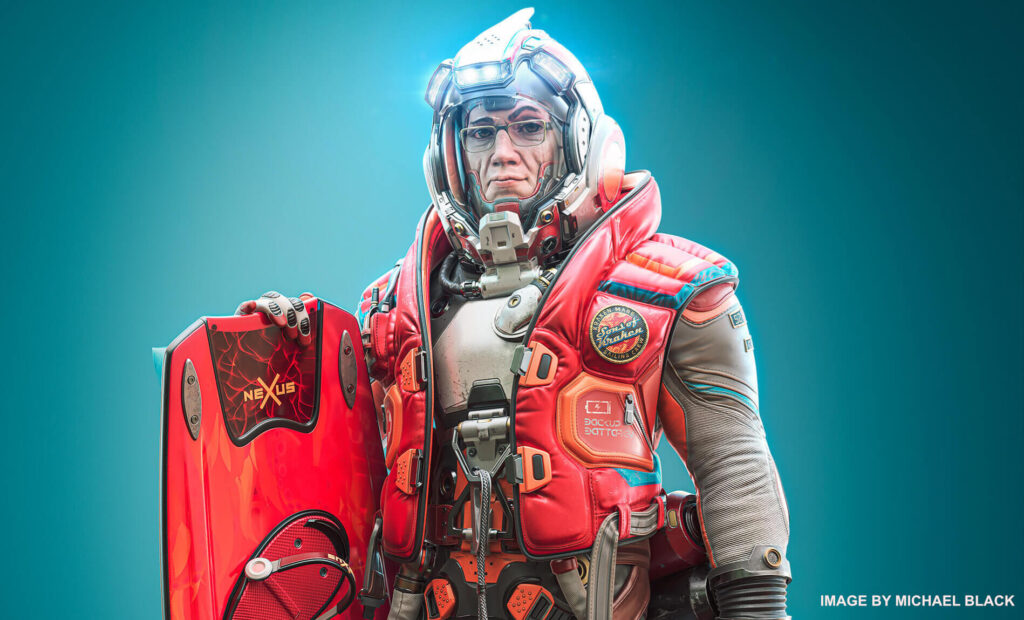
Digital Sculpting
- Voxel sculpting with no topological constraints
- Complex boolean operations with crisp edges
- Dozens of fast and fluid sculpting brushes
- Adaptive dynamic tesselation
- Boolean operations with crisp edges
- More about digital sculpting in this article、
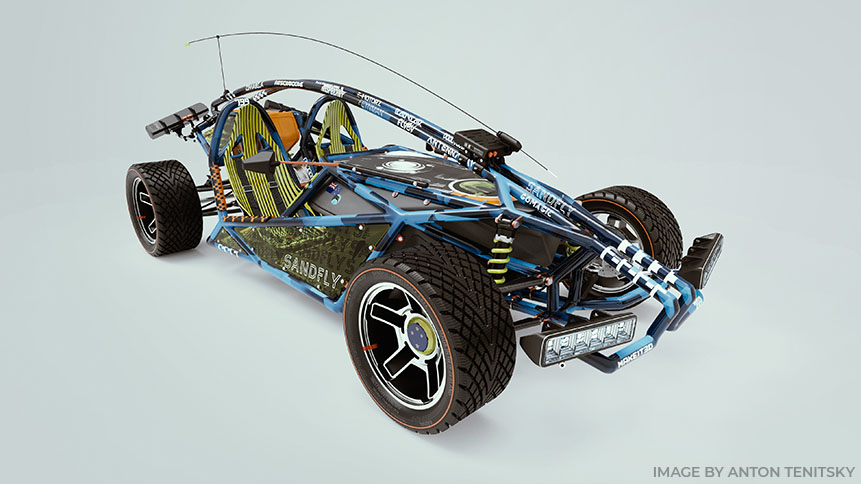
Modeling
- Classic polygonal modeling is fully supported.
- Move, Rotate, Scale, Extrude, Inset, and other popular instruments.
- Full 3d production pipeline became even easier.
- Splines and Joints – cool way for fast modeling.
- Kitbash Room is specially designed to perform fast dressing of complex scenes.
- Use the extensive existing model library, or create your own.
- Extensive library of primitives.
- Basic Principles Of Low Poly Modeling
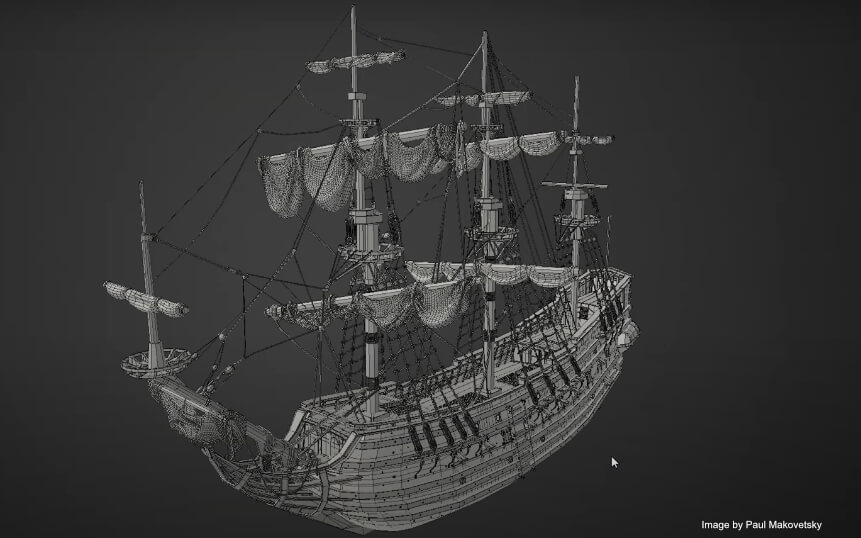
Retopology Tools
- Auto-retopology (AUTOPO) with user-defined edge loops.
- Retopology by decimation.
- Auto Retopology with Instant Meshes addon. – Fast and easy-to-use Manual Retopo tools.
- Possibility to import reference mesh for retopology
- Use your current low-poly mesh as your retopo mesh.
- Retopo groups with color palettes for better management.
- Advanced baking settings dialog.
- Library of Retopo models.
- See more…
UV Mapping
- Professional toolset for creating and editing UV-sets
- Udim Support.
- Native Global Uniform (GU) unwrapping algorithm
- Multiple UV-sets support and management
- Support ABF, LSCM, and Planar unwrapping algorithms
- Individual islands tweaking
- Several checkers views
- More about UV mapping you can read in this article

Rendering
- Physically Based Rendering.
- High Dynamic Range Lighting.
- Screen Space Reflections and Lights.
- Renderman support.
- Multiple colored lights.
- Render passes.
- DOF and other effects.
- Node editor for Environment and Post Effects
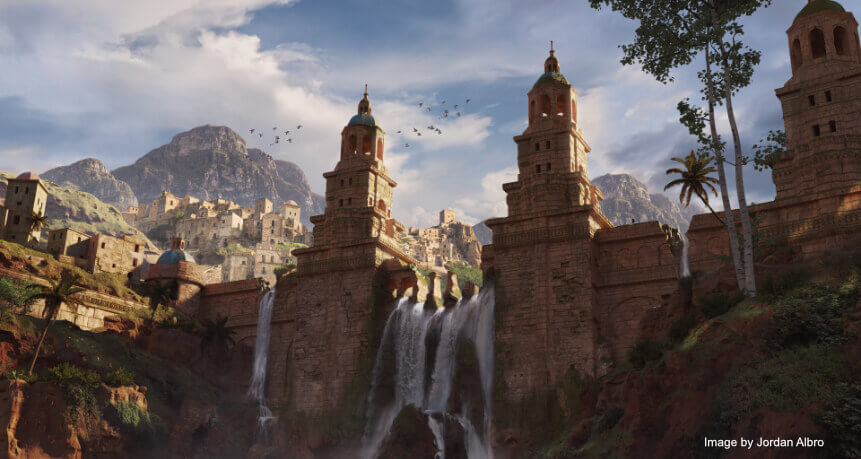
Concept art making
- 3DCoat really shines when making Concept Arts.
- With Voxels technology, you don’t need to worry about any technical aspects.
- Turn your ideas into a great concept in no time
Everything starts with a Concept!
It is very convenient now to use 3d software in concept art production pipeline.
Usually it starts with a rough or detail 3d blocks, separate 3d objects or even complete 3d scenes with later paintover in Photoshop or other 2d image editor.
Scripting in 3DCoat
- Make your own scripts for fast repetitive actions.
- Rich possibilities for recording scripts while working with Primitives.
- Check it to out to feel the power of scripting.
- You can record your actions on Primitives in the Sculpt Room. That way, you can perform repetitive actions of various complexity by simply launching a reordered script.
- Scripts menu has all commands that you need to make your own scripts.
- 3DCoat use VisualC++ ^ Python as a programming language. Here you can find the Script manual link

Download older version
Log in on https://pilgway.com/ and then go download page https://3dcoat.com/download/
Tutorials
3DCoat Tutorials
Find more tutorial videos on our YouTube channel